AI SDR software for personal video outreach.
Turn your offer and prospect research into videos in your face and voice. Choose your sequence and sending accounts, then continue real conversations in your inbox.
Your campaign context and connected sending accounts



One run, three steps
What the agent does before the send
Prospect research and your campaign brief shape the script, video and outreach message.
Researching prospect...
LinkedIn · CRM · Crunchbase
Generating video script...
Context-matched to ICP
Sending via email + LinkedIn...
Personalized video attached
1
training recording for your AI clone
4
supported sending channels
You
handle the conversation
From context to campaign
How to build an AI SDR campaign
Set the brief, create your AI clone and choose how your sequence will run.
Set your campaign context
Add your offer, audience, pain points and guardrails so prospect research has a clear message to work from.
Create your own AI clone
Use a live training recording to create a clone of your face and voice for generated sales videos.
Choose senders and launch
Choose connected accounts and a sequence. Scheduled follow-ups stop for a prospect when a real reply is detected.
Your AI SDR, on camera for every play
From first touch to follow-up, a personalized video for every way your team runs outbound.
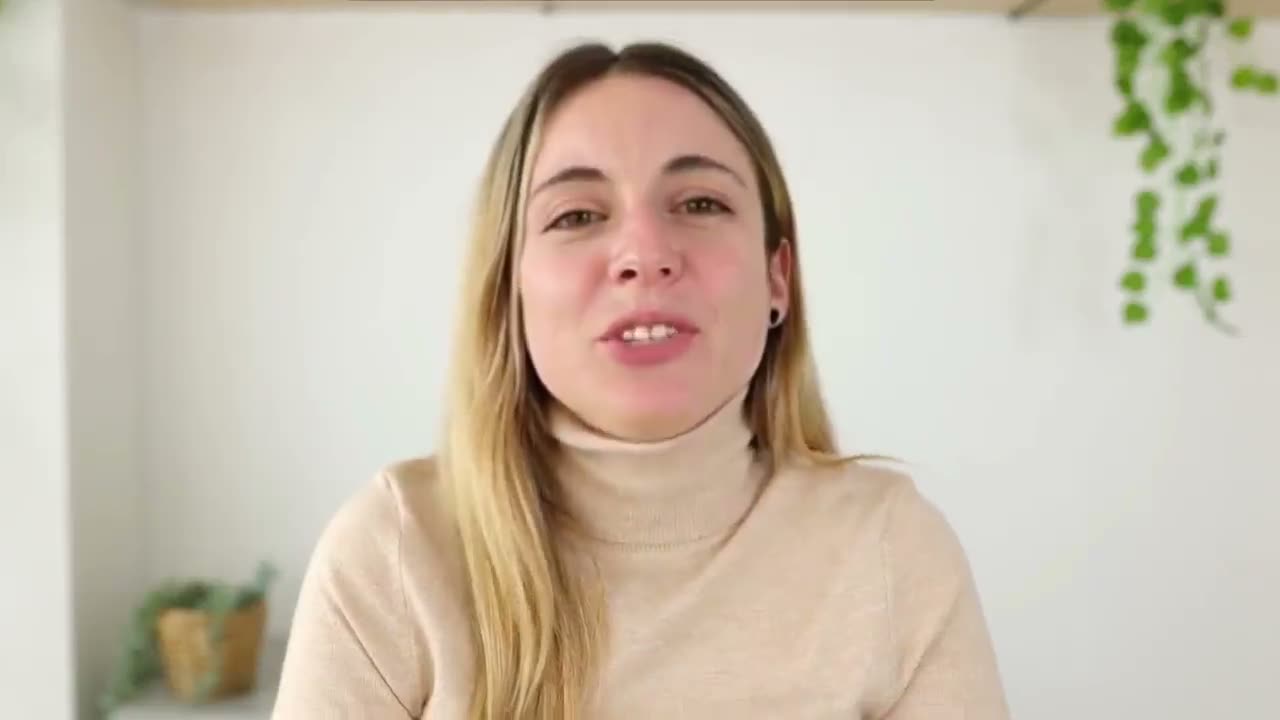
Maya, you closed your seed round and you’re still writing every cold email…
Research, video and follow-up in one workflow
Ground scripts in prospect context
Use person and company research alongside your campaign brief to explain why you are reaching out.
Put your face and voice in outreach
Your AI clone delivers a per-prospect script without a separate camera take for every message.
Keep humans in the conversation
A detected reply stops that prospect's scheduled follow-ups so you can continue from your inbox.
How Outvid fits your outreach workflow
| Area | When you do it by hand | Outvid AI SDR |
|---|---|---|
| Research | Look up each prospect yourself | Use prospect research with your campaign brief |
| Message | Write each outreach message | Prepare per-prospect scripts and messages from your context |
| Video | Record individual camera takes | Generate videos with your trained AI clone |
| Channels | Manage separate sending tasks | Choose connected accounts for supported channels |
| Follow-up | Remember and write each follow-up | Run scheduled steps that stop on a detected reply |
| Replies | Continue the conversation yourself | Continue the conversation in your Outvid inbox |
Use cases
Where an AI SDR fits
Run founder-led prospecting
Reactivate stale opportunities
Prepare outreach for a new account list
Create a personal post-demo follow-up
Three layers that make it work
Your campaign context, sending sequence and personalized video work together.
Campaign Context
Your offer and audience
Your team context and campaign brief set the offer, pain points, ask and guardrails for outreach.
- Audience and offer
- Campaign guardrails
- Prospect research
Campaign Sequence
Your sending plan
Choose sending steps and accounts, manage the launch, and take over the conversation when a prospect replies.
- Connected senders
- Scheduled follow-ups
- Human reply handling
Video Engine
Outvid cloning
Your clone delivers a per-prospect script on camera, at scale.
- 1:1 researched, personalized scripts
- No re-recording needed
- Multi-channel delivery
Connected stack
Choose the connections your campaign needs
Connect senders, import a prospect CSV or export video links for another tool. Check integration availability before choosing a native connector or a CSV workflow.
Social
Messaging
Prospect lists
Other sending tools
AI SDR software questions
Outvid combines your campaign brief with prospect research to prepare scripts, messages and videos in your face and voice. You choose the sending accounts and sequence for the campaign. It supports scheduled follow-ups, while you handle real conversations in the inbox.
No. Create your own AI clone from a live training recording. Outvid can then generate a video from each prospect's script without a separate camera take. Training and generation take processing time, and the videos you can create depend on your plan and available usage.
Outvid supports email, LinkedIn, WhatsApp and Instagram through connected sender accounts. Connect the accounts needed by your sequence and check the available options in your workspace. CSV imports and exported video links are separate from native sending connectors.
A detected reply stops scheduled follow-ups for that prospect. Continue the conversation in your Outvid inbox, where you handle objections, qualification and meeting conversations.
You control the brief, sequence, sending accounts and launch settings. Preview and editing options depend on the workflow you choose. Choose the workflow with the review and launch controls your team needs, and test it with a small prospect list.
Compare the quality of prospect research, the context you can provide, whether personalized video is part of the workflow, supported channels, launch controls, reply handling and total usage cost. Test the complete workflow with your own audience instead of choosing on a meeting or reply-rate promise.
Build an AI SDR campaign around your buyers
Start with your offer, audience and sending accounts. Use your own AI clone for the video and your inbox for the conversation.
Alex Masson
Quick question about your pipeline
Hi there, I came across your company and wanted to see if you're open to a quick 15-minute call about how we help teams...

Your Name
Video MessageMade this video for you, Marcus

Hey Marcus, saw Northwind just opened its second site, congrats!
Click to watch your personalized video →