Personalized video email, made for every prospect
Create personalized video outreach in bulk from a prospect CSV. Turn research into a script and video in your face and voice, then email each person's video-page link with an optional image or GIF preview.
Connected senders and prospect-list workflows





From brief to inbox
How personalized video email works
A watch link, with an optional image or GIF preview, takes the recipient to their own video page.
Start with your brief and prospects
Import a list and set the offer, audience and facts your outreach should use.
Create a personal script and video
Use prospect research and your AI clone to prepare a message for each person. Check names, facts and the content controls in your chosen workflow.
Send a link to their video
Share a watch link, with an image or GIF preview when enabled. The recipient opens their hosted video page to watch and take the next step.
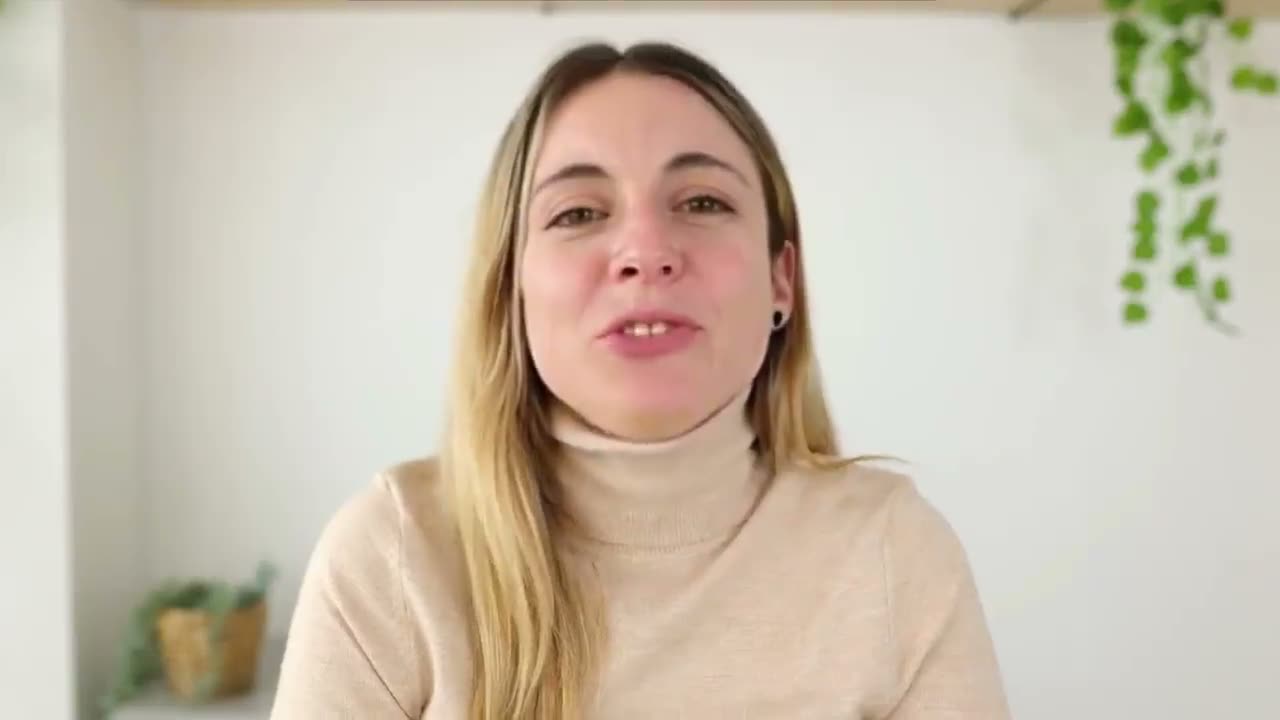
Marcus · Ramp
“Marcus, congrats on closing the Series B last week.”
Raj · Notion
“Raj, Series A closed this morning, already hiring four SDRs.”
Sofia · Lattice
“Sofia, that question you asked on our call stuck with me.”
Underlined text is what the research agent found on that prospect.
Three layers of personalization
Not just a name drop, genuine relevance
Outvid researches each prospect and builds the video around what it found, not around a template.
Script personalization
The script is written from research: their company, role, challenges and recent news.
- First-name and company mention
- Role-specific value proposition
- Industry pain point alignment
- Recent company news or signals
Visual personalization
Their name appears on screen and their live website sits right behind you.
- Prospect's company website shown on screen
- Dynamic name overlay on the video
- Name, role & company in the intro
- Branded video landing page per prospect
Delivery personalization
Each video goes out on the right channel, with copy and follow-ups written to match.
- AI-generated subject lines & email copy
- Multi-channel send: email, LinkedIn, WhatsApp, Instagram
- Follow-ups branch on opens, watches & replies
- Business-hours send windows per campaign
A personalized video for every play
Same you on camera, a different researched opener, for eight ways teams use it.
Maya, you closed your seed round and you’re still writing every cold email…
From prospect list to personalized campaign in minutes
Upload a CSV and Outvid researches each prospect, writes their script and queues the videos.
Upload your prospect CSV
Name, company, LinkedIn URL, email. Whatever you have.
AI researches each prospect
An agent reads their site, news, LinkedIn, funding and job posts.
Researched scripts are generated
AI writes a tailored script for every prospect based on research.
Videos render in the background
Your AI clone delivers each script. You review and launch when ready.
Example personalization for:
Emily Parker, VP Sales @ Acme Corp
Opening hook
“Emily, I noticed Acme just raised a Series B. Congrats on the milestone.”
Pain point
“Most VP Sales at growth-stage companies tell me their SDR ramp time is killing efficiency.”
Value prop
“We help teams like yours record once and still send every prospect their own video.”
Call to action
“Would a quick 15-minute call make sense this week?”
Company website
News & press
LinkedIn activity
Job postings
Product launches
Your CRM & context
Deep prospect research
We research your prospect before writing their video
An agent reads the prospect's site, news, LinkedIn, funding and job posts before a word of script.
- Agentic web research per prospect: site, news, LinkedIn, posts
- Company funding and growth-signal detection
- Job-posting analysis for hiring-intent signals
- Tech stack inferred from public sources
- Recent LinkedIn activity and post context
Write it once. Every prospect gets their own.
The brief is the only thing you write; everything after it is rebuilt per prospect.
Tell the AI about this campaign
Written once — applied to all 500 prospects in this campaign.
Emily, congrats on the Series B, and I noticed four SDR roles went up the same week. That is usually where ramp time stops being an HR problem and starts being a pipeline one. Fifteen minutes on your list?
Daniel, you shipped self-serve and you are hiring your first AE, which means the pitch has to work in two very different motions at once. I recorded how other teams keep those from drifting apart.
Hannah, a CRM migration plus two new AEs in the same quarter is a lot of re-learning at once. This is a short walkthrough of how the pitch stays consistent while the tooling underneath changes.
What you get
Personalization that moves pipeline, not just inboxes
Use your campaign context and prospect research to make the message specific to the recipient.
1 recording
One take is the source for every video you ever send.
3 personalization layers
Script, visuals and delivery are rebuilt per prospect, not merged from a template.
4 send channels
Email, LinkedIn, WhatsApp and Instagram, from the same researched message.
25 outreach languages
The same face and voice, delivered in your prospect's language.
Pain point targeting
Scripts built around what actually hurts
Define your pain points once, and Outvid builds each video around the one that fits.
SDR ramp time is too long
Triggered by: Company posted 3+ SDR roles in 30 days
“I saw you're scaling the SDR team fast, and onboarding new reps eats weeks you don't have.”
Cold email open rates are falling
Triggered by: Prospect's company uses Outreach or Salesloft
“Your team is probably already on Outreach, but text-only sequences are getting harder to land.”
Standing out in a crowded market
Triggered by: Company raised funding in last 90 days
“Congrats on the round. Every competitor now knows you're growing and will flood your ICP's inboxes.”
Personalized video email questions
Outvid creates a script and video for each prospect using your campaign context, research and AI clone. The email includes a watch link, with an image or GIF preview when enabled. The recipient opens their hosted page to watch the video and follow your call to action.
Record yourself once to create an AI clone of your face and voice. In an Outvid research campaign, each prospect's information feeds a tailored script and a generated video. Use the content controls in your chosen workflow to check the message without filming a separate take for every contact.
Yes. Import a prospect CSV, map the contact and company fields, and generate a personalized sales video for each eligible prospect using your AI clone. Research campaigns can prepare a different script per person rather than only swapping a name. Batch generation uses your plan allowance; check the mapped data and the preview and launch options in your chosen workflow before sending.
Yes. Scripts can include the person's name, company and relevant research. Visual personalization can show the prospect's website behind your AI clone and include a name overlay. The available background depends on the campaign settings and the website information supplied.
A name-personalized template keeps most of the message the same and changes fields such as the greeting or company name. A research-driven Outvid campaign can also change the reason for reaching out, the problem you discuss and the offer, using the prospect's role and company context. Choose the level of personalization that suits the campaign.
Yes. Outvid campaigns support email, LinkedIn, WhatsApp and Instagram steps from connected sender accounts. You can also export video links for an existing sending tool. Review your account's available channels and each connector's status before building the sequence.
Yes. Outvid's separate VSL workflow creates personalized video sales letters at scale from a prospect CSV, with a video and landing page per eligible person. Preview each script and review the recording plan before generating the batch. Prepare, test and approve email from a connected account, or copy/export the individual page links to share yourself.
Compare how each tool uses your face and voice, whether scripts use prospect research or template fields, the delivery channels, integration availability, review controls and total campaign cost. Outvid, Vidyard, Sendspark, HeyGen and Weezly offer different combinations of these capabilities. Test a representative prospect list before committing.
Yes. The AI video workflow generates videos using a clone of your face and voice. You provide the campaign brief, control the content and handle the replies. Be transparent about AI assistance, and review names, company facts and claims before sending.
Build your first personalized video email campaign
Start with a prospect list, your campaign brief and the email account you want to send from.
Alex Masson
Quick question about your pipeline
Hi there, I came across your company and wanted to see if you're open to a quick 15-minute call about how we help teams...

Your Name
Video MessageMade this video for you, Marcus

Hey Marcus, saw Northwind just opened its second site, congrats!
Click to watch your personalized video →