Sequence area
Personalization
Email-only
Variable insertion
Outvid video sequence
Research-driven video script per prospect
Outvid plugs into your sequencer as a video step. Your rep's On-camera Persona records a message for each prospect.
1 → ∞
recording to personalized videos
0 min
recording time per prospect
4
sending channels
Sends and syncs with the tools you already run





The step, in place
Four steps of an outbound sequence, with the panel beside them showing what the video step used.
Enterprise outbound sequence
4 steps · video at step 2
Day 1 · Email
Intro sent from Outreach
Day 3 · Outvid video
Researched, personalized from 6 signals
Day 5 · Call task
Queue only if no reply
Day 8 · Breakup video
New angle if thread is quiet
Video sent
The sequence advanced and engagement tracking is live.
Signals used
6
On reply
Pauses
Works inside the outbound stack your reps already use
Operating model
Outvid handles the parts that break manual video: research, scripting, recording, delivery, and handoff.
Every step can be an on-camera video, personalized per prospect. One for every play.
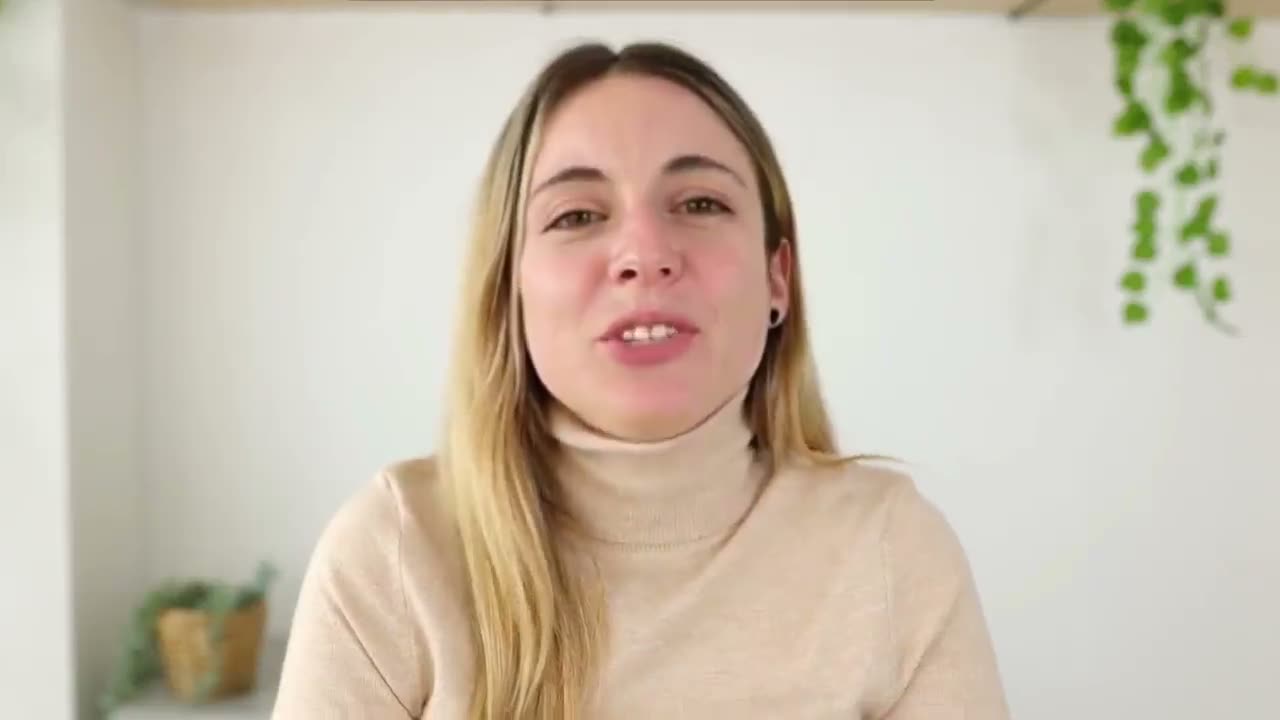
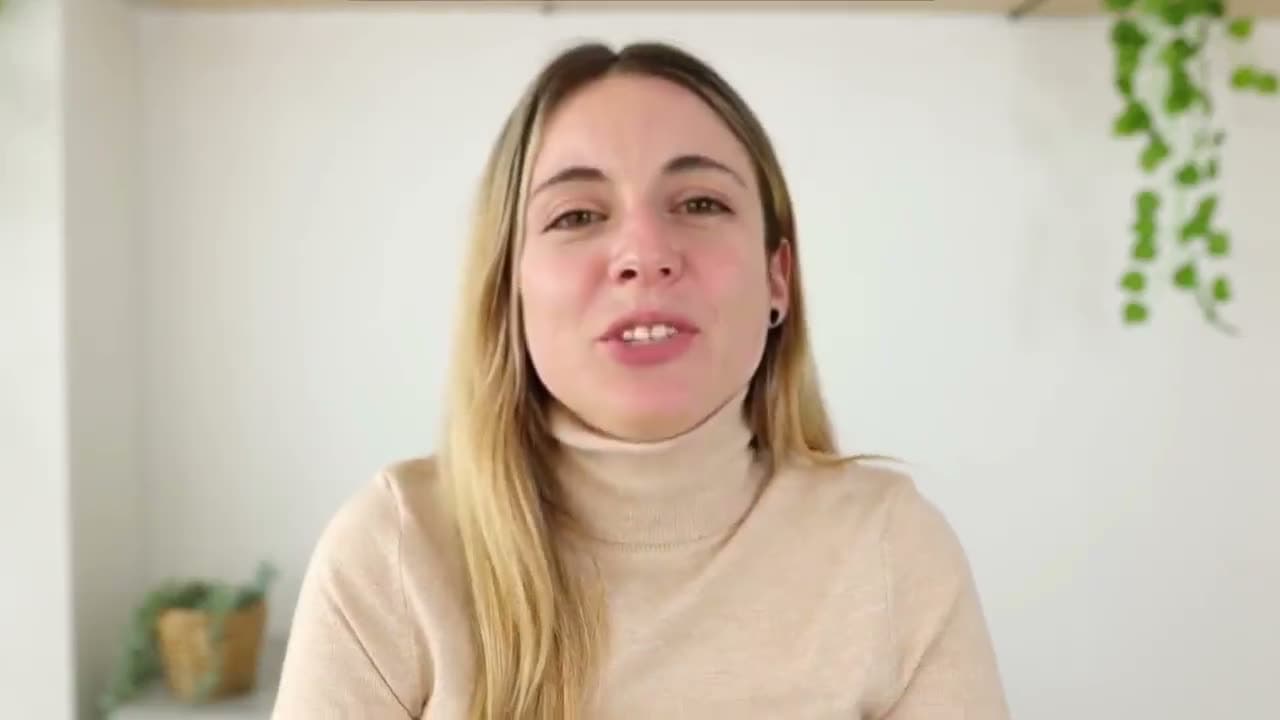
Maya, you closed your seed round and you’re still writing every cold email…
Step 4 generated from 6 prospect signals
Role change, hiring plan, CRM note, previous open, LinkedIn post, and current wait day.
Personalization signals
Outvid writes for the exact prospect and the exact sequence moment.
First Touch
Your clone introduces the rep and ties the message to the prospect's situation.
Post-Demo
Auto-send a recap video referencing the exact talking points from the demo.
Re-engagement
When a thread goes cold, Outvid sends a video tied to new context.
Objection Handling
Your clone addresses pricing, timing, or competitive concerns with a tailored message.
Performance change
Prospects get a message that reflects what they did and what changed.
Personalization
Step types
Recording effort
Script writing
Reply handling
Setup time
Yes. Outvid adds a native step type inside Outreach, Salesloft, and HubSpot. Your existing sequences stay exactly as they are — you just add an Outvid step wherever you want a personalized video.
Indistinguishable from a real recording for most viewers. Your AI clone uses your rep's actual voice, likeness, and speaking style — trained on a short session, not hours of footage.
LinkedIn profile, company news, CRM activity, sequence position, engagement history, and any custom context you upload via CSV (export from Apollo, Clay, ZoomInfo, or your own enrichment). The script is written for that specific prospect — not filled-in templates.
Your AI clone is ready in under 24 hours. You can have your first video sequence step sending within 48 hours of signing up.
Yes. Teams can run with review gates for pilot campaigns, then move trusted segments to automatic sending once script quality and reply quality are stable.
Outvid detects replies, pauses the active sequence, and hands the conversation back to the rep so prospects never receive an awkward automated follow-up.
Train the clone once and drop Outvid into your sequencer as a video step.
Alex Masson
PromotionsQuick question about your pipeline
Hi there, I came across your company and wanted to see if you're open to a quick 15-minute call about how we help teams...

Your Name
Video MessageMade this video for you, Marcus

Hey Marcus, saw Northwind just opened its second site, congrats!
Click to watch your personalized video →