The demo went well. Then silence.
Tell Outvid what the demo covered and the next step you want. Every deal gets a 30-second video quoting the call.
Wired into the call-recorder stack you already run





Same inbox, one difference
Three follow-ups land. One has a face.
The middle one opens on a video recorded for that buyer.
Alex Masson
PromotionsQuick question about your pipeline
Hi there, I came across your company and wanted to see if you're open to a quick 15-minute call about how we help teams...

Your Name
Video MessageMade this video for you, Marcus

Hey Marcus, saw Northwind just opened its second site, congrats!
Click to watch your personalized video →
The recap that lands two days later
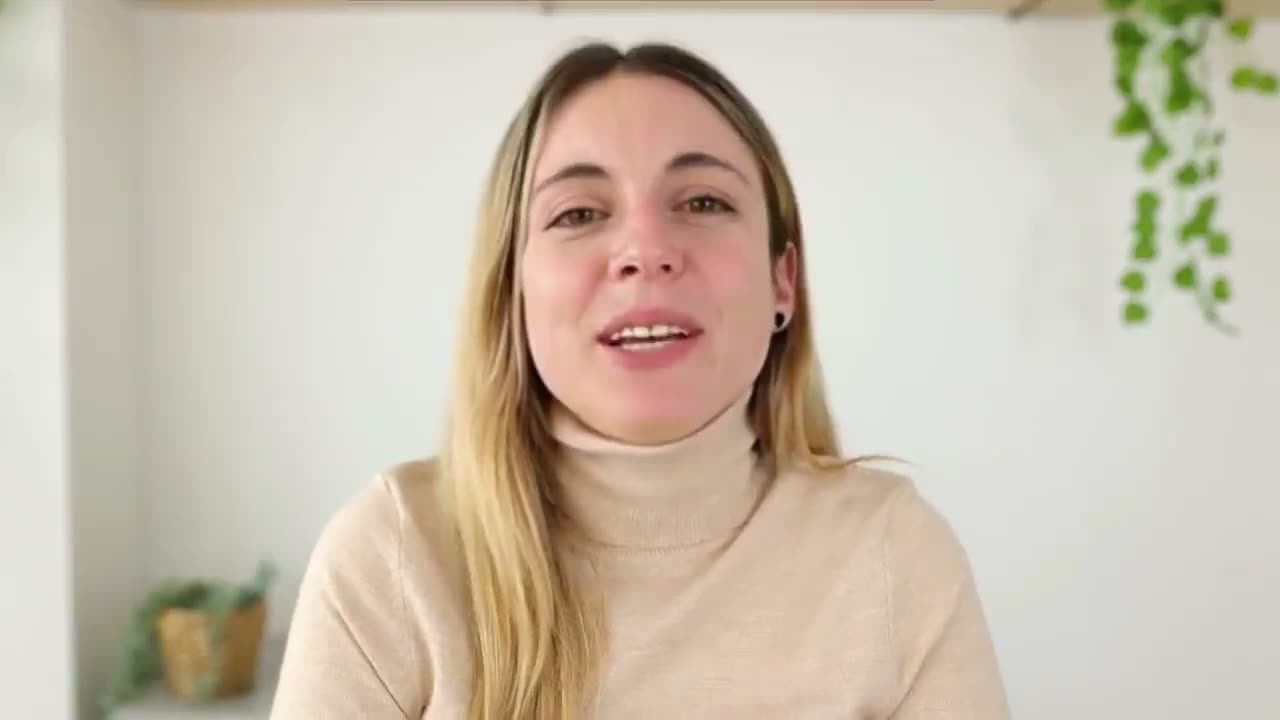
Thirty seconds, your face, and the one thing that deal is still waiting on.
Sofia, that question you asked on our call stuck with me.
The problem
The bottom-of-funnel problem every AE has
The demo isn't the hard part. The seventh 'just checking in' is.
Most demos end in 'we'll think about it'
Reps don't have time to record per-deal video
Generic breakup emails kill optionality
Demo follow-up
How to run a demo follow-up campaign
Three steps. Record once, and your On-camera Persona does the rest.
Step 1. Pick Demo follow-up and write the brief
Choose Demo follow-up and fill a few short fields, about two minutes.
Step 2. The AI writes and records everything
Every prospect gets a video and email, delivered by your On-camera Persona.
Step 3. Launch and it runs itself
A branching sequence routes each deal by how it responds.
See it in action
One brief in. Every deal gets a video.
Every open opportunity gets its own research, its own script, and its own email.
Tell the AI about this campaign
Written once — applied to all every open opportunity in this campaign.
Hey Riley, closing the loop after we walked through routing inbound leads to your AE calendars. The open question was whether the CRM sync handles custom objects: it does, so a 30-min deep-dive to scope Brightwave's setup before your Q3 go-live makes sense.
Hi Daniela, wanted to tie off the security question from our demo. Your team asked how the SOC 2 review works, and our SE can walk Northpeak through exactly how the two-way sync maps in a quick technical deep-dive.
Hi Tom, it's been a few weeks since we covered lead routing and reporting for Cedar Health. The custom-objects question you raised is fully handled now; worth a 30-min scope call while pilot pricing holds through June 30?
Follow-up landing page
The page that keeps the deal moving
Emailed, the follow-up video opens on a page that recaps the demo and names the next step.
A GIF in the message. Clicking it opens their own page.
The video plays right in the thread.
Arrives as an attachment in the chat.
Lands in their DMs, ready to play.
What's customized:The recap lists exactly what their demo covered plus the one next step, so momentum never stalls.
Sample prospect data, shown for illustration.
What you get
What AEs unlock with Outvid
Bottom-of-funnel coverage without four videos per deal.
4
Built-in post-demo video moments
30s
Recap video length, short on purpose
Native
Granola / Fathom / Fireflies / Gong wired in
Per-deal
Scripts grounded in the actual call notes
Why it lands
Follow-up that references what the prospect actually said
Your brief points the AI at the real demo, and your call notes ground every script.
- The brief carries the exact question this list walked away with.
- One brief keeps every deal in the campaign on the same message.
- Your guardrails travel with every send, so the AI never invents urgency.
- The brief sits on your Context Layer: call notes, CRM, and team context.
- Change the next step mid-campaign and the next touches update.
Call notes are the script
Four bottom-of-funnel video moments
Stalled-deal revival sequences
Demo follow-up FAQ
How the campaign brief keeps personalized post-demo video on-message for every stalled deal.
You tell it, in a short structured brief. When you pick the Demo follow-up use case, Outvid asks what the demo covered, when it happened, the open question it left, and the one next step you want — plus any tone or competitor guardrails. That brief is layered onto your Context Layer (call notes, CRM, team context) and fresh research on each account, then it grounds every video script and email. So the output reflects the real demo and the real ask for this list, not a generic company line.
By default, four personalized video moments per deal: a post-demo recap, a mutual-action-plan share, a pricing follow-up, and an honest breakup. Each is a 30-45 second video in your AI clone's voice, scripted against your campaign brief and the actual call notes, plus a matching personalized email. It all runs as a branching sequence that routes each prospect by how they respond — replied, opened-no-reply, or silent.
Only 'What did the demo cover?' is required — that's the recap line the AI quotes back, so it can't be empty. The open question, the demo timeframe, the next step, and the 'anything else' guardrails are all optional but high-leverage: the more you give, the more on-message every video and email gets. Required fields gate launch so the AI never writes blind.
Outvid pulls transcripts and decision criteria from your call-recorder stack into the Context Layer, plus any notes you paste in. Whichever notetaker your team runs, the demo context routes into Outvid's per-prospect memory. The campaign brief sits on top of that, pointing the call notes at this specific follow-up so the AI references what was actually said.
Yes. The brief is refinable after launch while the campaign strategy stays locked — change the next step or a pricing deadline and the next touches pick it up instantly, with no rebuild and no lost progress in the branching sequence. The first batch of videos per rep is approval-gated, and you can pause, edit, or override any individual send at any time.
That's one of the highest-leverage plays. Pull every deal that slipped, write a brief that names the original open question and the time gap, and let the branching sequence run. The breakup touch acknowledges the silence honestly and opens one new angle. A list like that is usually 30-100 stalled deals per rep, which is well past what an AE can film by hand.
Generic tools ask the rep to record. Outvid clones the rep and writes the script from your campaign brief and the call notes. The personalization isn't a first-name merge — it's the exact open question the prospect raised in the demo, referenced inside a video the rep never had to record.
Wake your stalled pipeline back up
Write a short brief: what the demo covered, the open question, the next step. Every deal gets its own video.
Alex Masson
PromotionsQuick question about your pipeline
Hi there, I came across your company and wanted to see if you're open to a quick 15-minute call about how we help teams...
Your Name
Video MessageMade this video for you, Marcus
Hey Marcus, saw Northwind just opened its second site, congrats!
Click to watch your personalized video →